
Get your marine service business found online
Boat owners looking for a diver, mechanic or detailer search their harbor's name, ask the dock, and check reviews. Three problems lose small marine businesses those customers: a website that no longer loads, phone numbers that don't match from one listing to the next, and reviews scattered across several listings. Fixing them costs little and matters more than anything clever.

Photo: Mikhail Nilov on Pexels
Set up your Google Business Profile properly
Most local searches end on Google Maps, so this is the listing to get right. Google's guidelines for business profiles, in the parts that matter for mobile marine businesses:[1]
- Service-area business. If you go to your customers (divers, mobile mechanics, detailers), set a service area and hide your address. Google's example is a plumber who works from home. Name the harbors and cities you serve.
- No virtual offices or P.O. boxes. A rented mailing address you don't work from isn't eligible.
- Use your real business name. The name must match what you use on your truck, website and invoices. Adding keywords, service descriptions or locations to it ("Joe's Hull Cleaning Best Diver San Diego") isn't allowed and can get the profile suspended. Don't pick categories just as keywords.
- One profile. Service-area businesses get one profile for the business, not one per harbor.
Then fill in what owners actually check: services (hull cleaning, zincs, bottom inspection), hours, a phone number you answer, and photos of your own work and boat.
Ask for reviews, honestly and evenly
Reviews are what owners trust most, and the rules about asking for them are strict:
- Google lets you ask customers to post genuine reviews, but not to pay or reward them (discounts and free services count), not to discourage negative reviews, and not to ask only the happy customers.[2]
- The FTC's rule on consumer reviews, in effect since October 21, 2024, bans fake reviews, incentives that require a positive (or negative) review, and suppressing reviews with threats. Asking all customers for reviews is fine; asking only those you expect to be happy may still break the FTC Act.[3]
- Yelp is stricter than Google: it discourages businesses from asking for reviews at all.[4] Read Yelp's current business guidelines before asking for reviews there.
A simple, safe habit: after every job, send every customer the same short message with a link to your Google profile. Reply to reviews, good and bad, briefly and politely.
Reviews split across listings
It's common to end up with reviews on two or three Google listings (old name, old phone, a duplicate made by a customer), plus Yelp and Facebook. Owners see a few reviews on each and less trust overall. Search your business name and phone number, and ask Google to merge or remove duplicate profiles you control. Then point every review request at the one profile you keep.
A basic website that works
You don't need much, but you need it to load. A dead site, or one with an old phone number, loses the owner who found you. One page is enough if it has:
- What you do, in plain words, and the harbors and marinas you work in.
- How you price (per foot, per hour, what's extra, like zincs).
- A phone number and email you answer, matching your Google profile exactly.
- The credentials you hold (BMP training, ABYC, NMEA) and that you carry insurance. Say only what's true and current.
- Photos of your own work.
Renew the domain on autopay, and check the site from your phone every few months. The price sheet builder gives you a pricing page to start from.
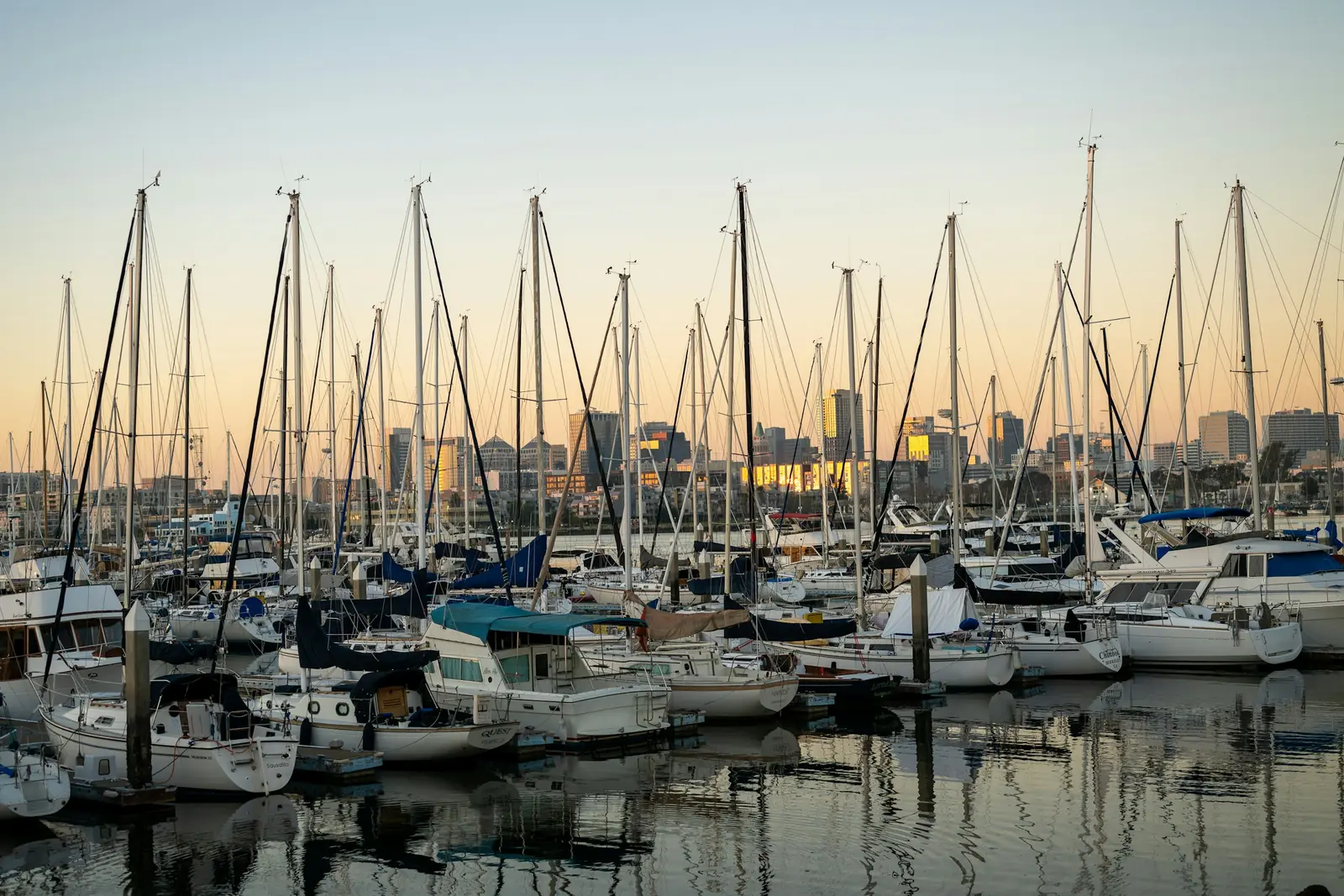
Photo: Michael Kahn on Unsplash
Checklist
Sources
- Google Business Profile Help. Guidelines for representing your business on Google.
- Google. Maps user contributed content policy: fake engagement.
- Federal Trade Commission. Consumer Reviews and Testimonials Rule: questions and answers.
- Search Engine Land. Yelp increasingly cracking down on 'review solicitation' across the internet.